Selection Types
In Selections there are three options for building campaign lists (and in the case of Suppressions, exclusion lists); Campaigns, Cells, and Suppressions.
There is also a Visual Editor option, so that you can use preselected Cell or Suppression lists and see visually how the joining a number of lists can impact on the campaign audience.
Using Visual Editor
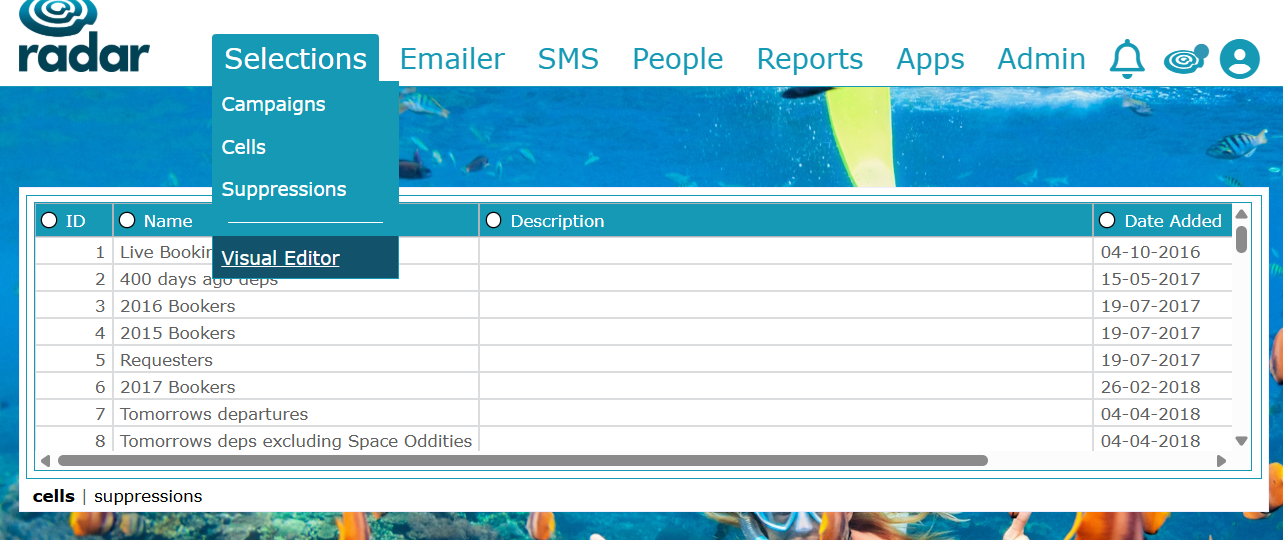
Here you can choose the Cell or Suppression Saved file and see how adding additional data to it will impact your campaign selection.
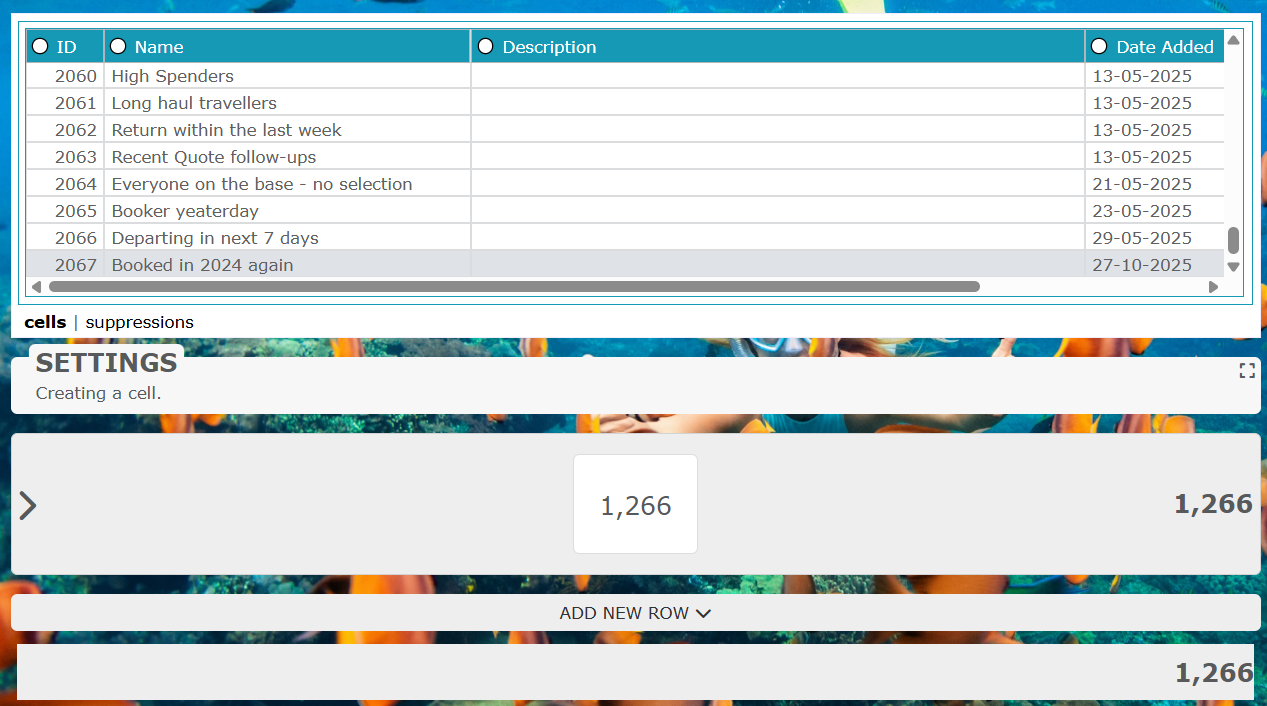
In this example, I've taken 'Booked in 2024 again' Cell data:
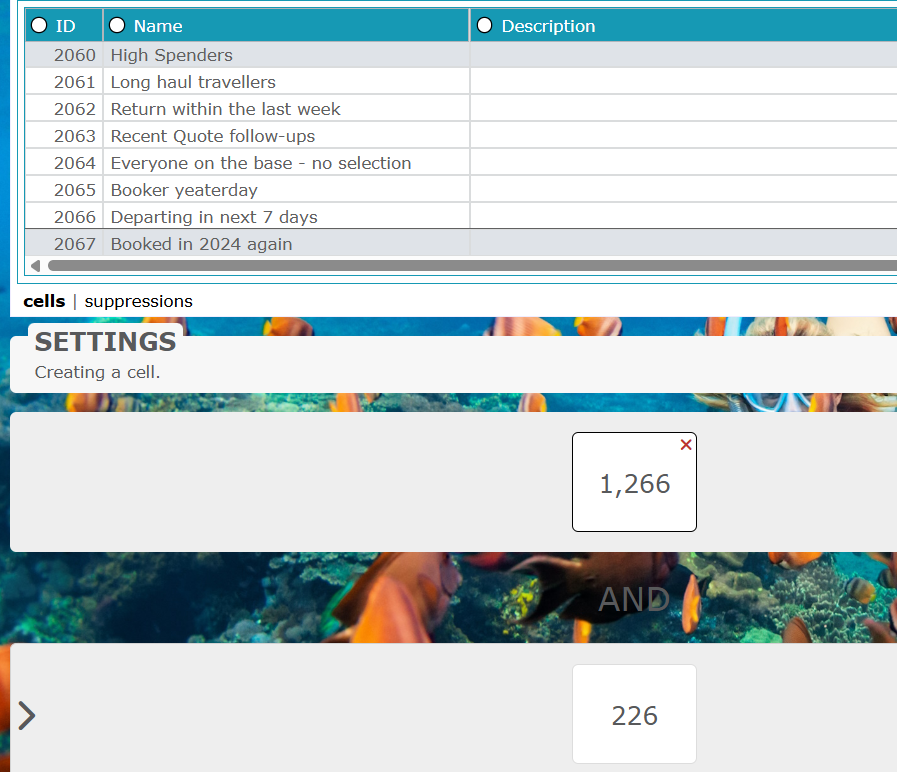
I then want to see how many of those were considered 'High Spenders' (paying above a set amount), so I'll Add New Row and use the Feedbox filter to find 'High Spenders':
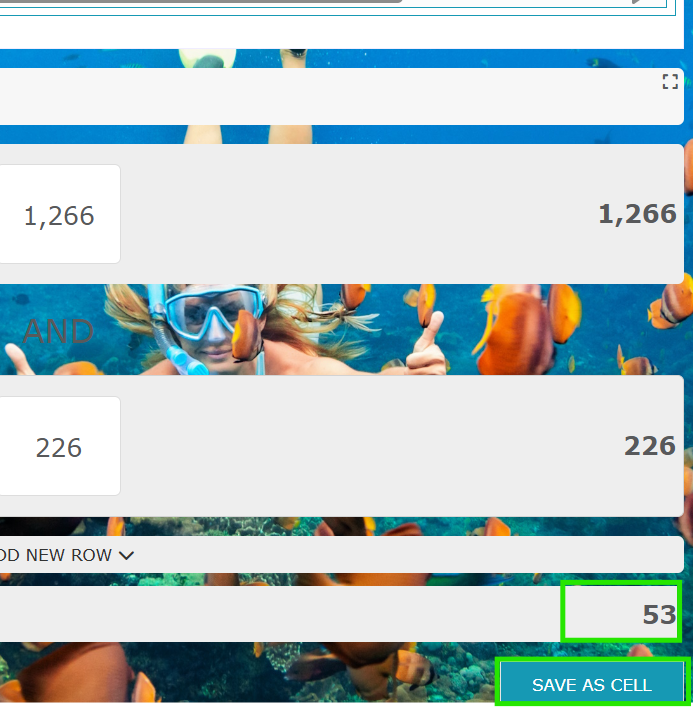
Now I can see how many of those who booked in 2024 again are considered 'High Spenders' (53) and save this as a new cell for a highly targeted email or postal campaign:
Was this article helpful?
That’s Great!
Thank you for your feedback
Sorry! We couldn't be helpful
Thank you for your feedback
Feedback sent
We appreciate your effort and will try to fix the article