If you have files of small groups of Ad Hoc contact data such as offline leads, customers held in other systems, or leads from competitions and lead campaigns, you can add them yourselves using the Data Manager function in Radar:
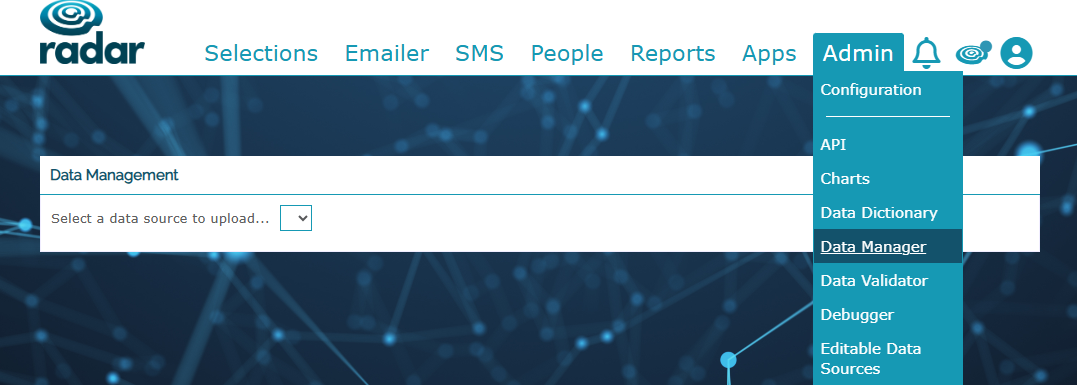
Your Radar system will hold data in a specific file format so if you are unsure of the headings to use, please ask and we'll send you a sample spreadsheet showing how to upload the data for your specific business.
We've attached a sample file, with more information held in the 'Information' tab, but the first time you plan to upload any data, please raise a ticket with us so that we can check and confirm on the format for your particular Radar system.
Once formatted correctly, you can upload your own data within Data Manager to Radar.
If you'd prefer us to upload it on your behalf (and format it), please raise a Freshdesk ticket with the request and we'll get the data uploaded for you.
Adding an Ad Hoc Data Feed for Radar
If you've not already got this option in your Radar account, please send us a ticket and we'll take a look for you, and advise on next steps for getting this added.
Was this article helpful?
That’s Great!
Thank you for your feedback
Sorry! We couldn't be helpful
Thank you for your feedback
Feedback sent
We appreciate your effort and will try to fix the article